Party PopBig, bright kids party invitation with RSVP

Make it yours
Color: Cake day
Art
Each photo with a when and a line.
No account until you share your link.
Party Pop is a big, bright kids party invitation: one huge painted cake or stack of gifts and the name in giant type. Parents reply on the page.
Kids’ birthday · Plus
From your link to their reply
You send one link, in the chat you already share. It opens in their browser, with no app and no account, and they answer on the page. Each reply lands in your guest list as it's sent.
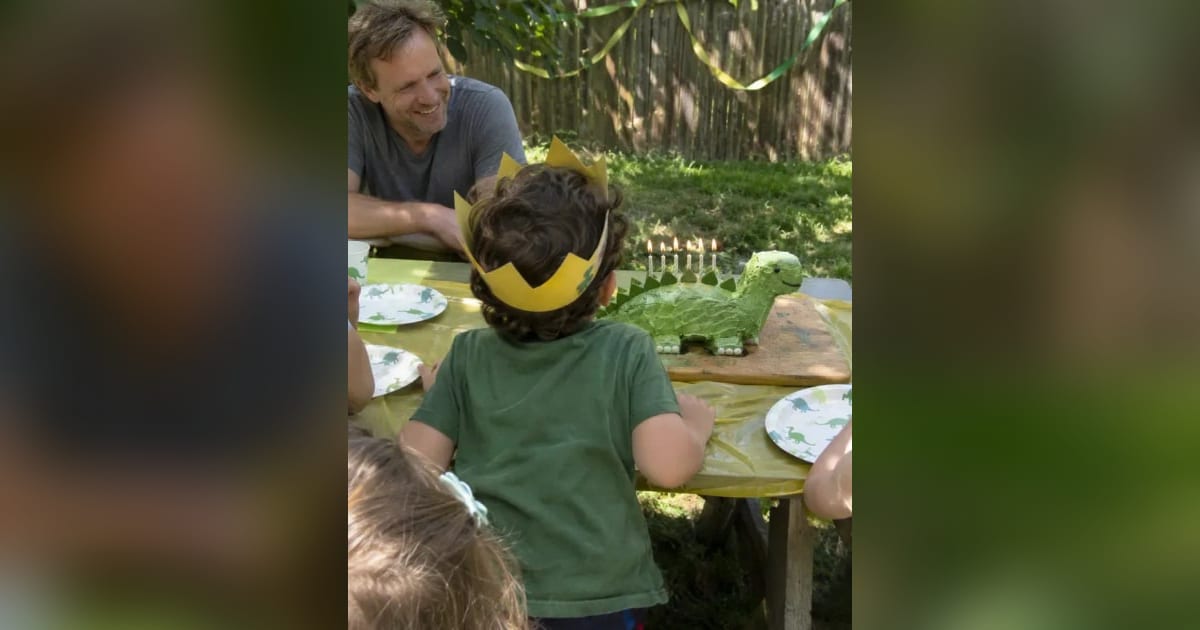
The whole invitation
One page your guests scroll. Keep the parts you need.
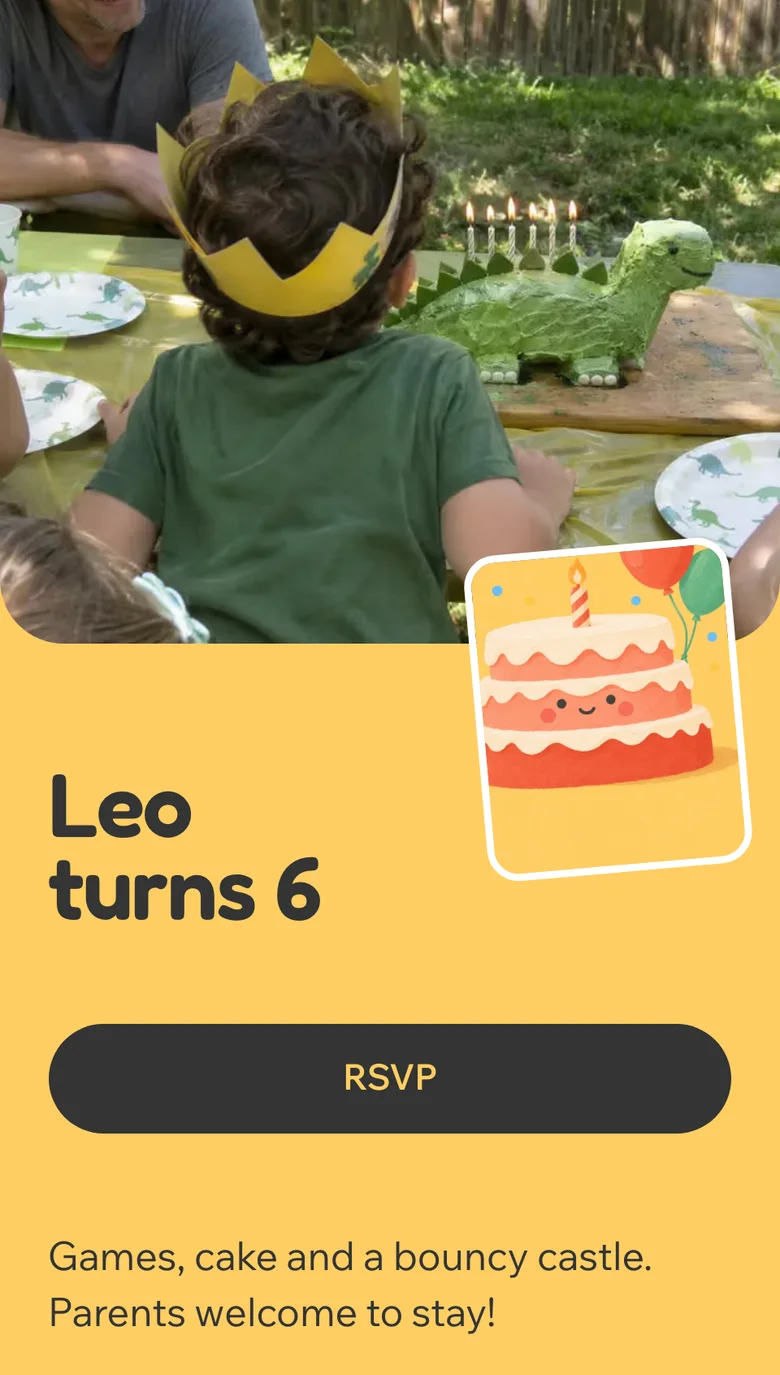
The cover
One huge painted cake or stack of gifts, the name in giant type. Six colors; put a photo first or on its own.
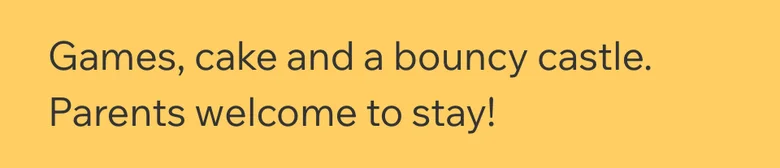
A note from you
A few lines for the parents: what to bring, when to pick up.
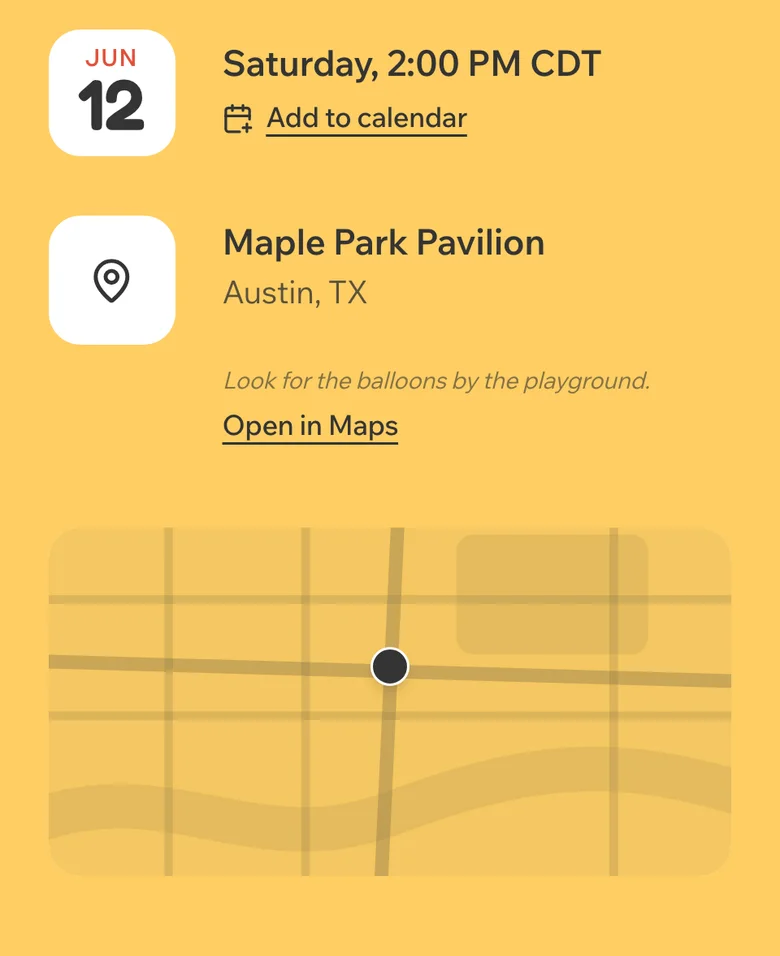
When and where
The date with an add-to-calendar link, and the place with a map.
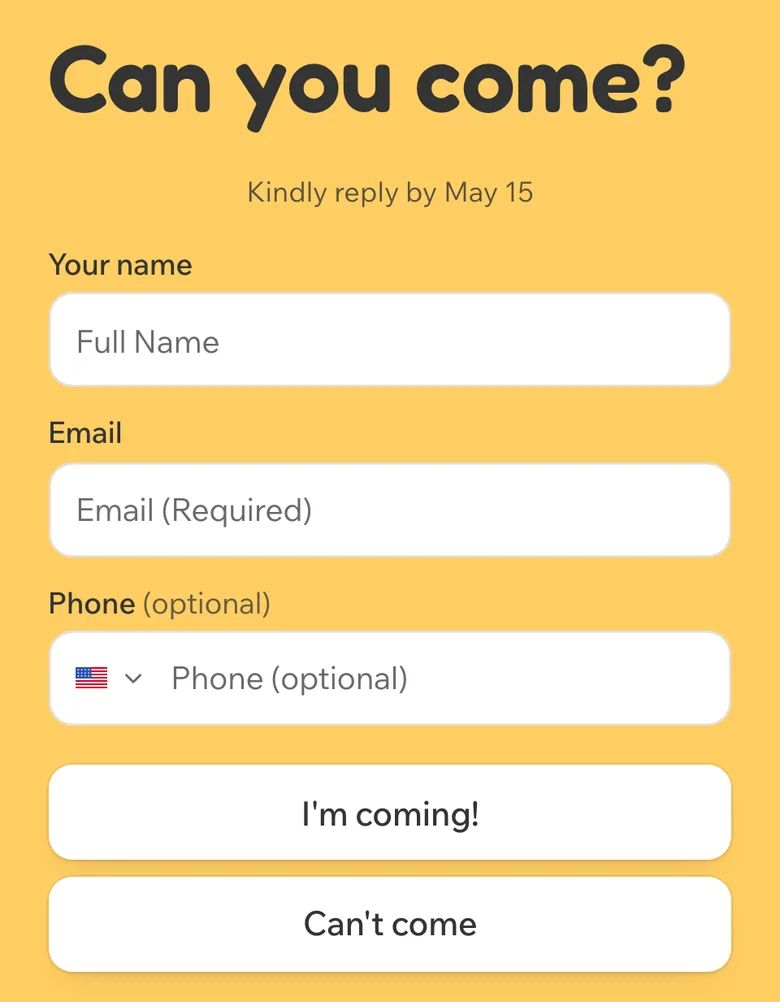
The reply
Coming or can't make it, how many kids and adults, and your own questions. Reminders go to the parents who haven't answered.

A countdown
The days left until the day, counting down on the page. Turn it on or leave it off.
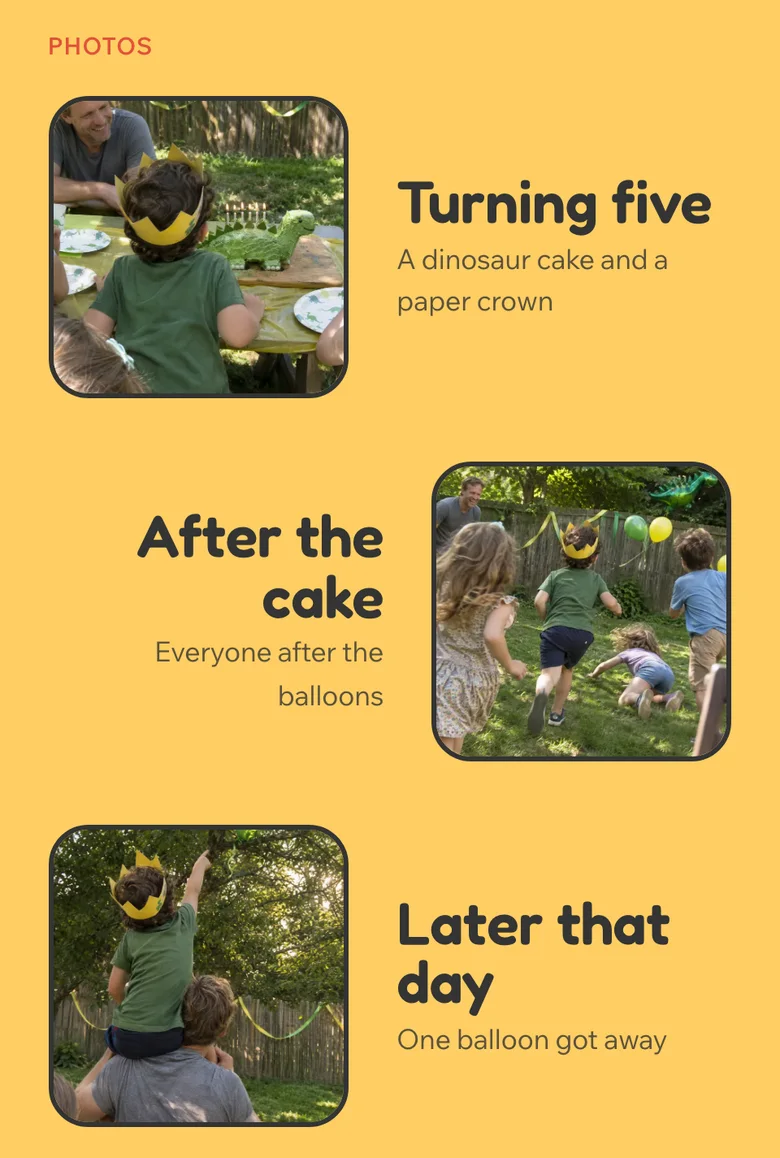
A photo gallery
Up to 12 of your photos, laid out on the page. Turn it on or leave it off.


Questions
Is Party Pop free?
Party Pop is a Plus design. You can build the whole invitation and see it on your phone before you sign up or pay, and you choose a plan when you share your link. A design marked Plus, and any palette past its first, needs Plus, Pro or an Event Pass to publish.
Can I add a photo of my child?
Yes, or leave it out: the painted cake carries the cover on its own. Add, replace or remove a photo at any time in the editor.
What do the parents need?
Only the link. It opens in their phone's browser and they reply on the page. No app and no account.
How far in advance should birthday party invitations be sent out?
Two to four weeks before the party is the usual advice, a little earlier for a big gathering or a holiday. With a link you can also remind the people who haven't answered.
You might also like
Birthday RSVP page templates


Guests reply on the page. See the kids birthday RSVP page, or read how to ask guests to reply.